
WordPress → custom stack
Your WordPress site is slow, expensive, and one plugin update away from breaking.
I rebuild old WordPress sites as fast custom sites that you own. The last one went from about $2,000 a year to about $180, and clicks went from two seconds to instant.
- ~$2,000
- ~$180per year to run the site
- ~2 s
- Instantto load a page after a click
- 60 plugins
- 1 codebasethat the client owns outright
- none
- $15/moone VPS runs the database, rendering and CMS
Case study · 3:48
Watch me take a real WordPress membership site apart
60 plugins, 31 of them active, several renewing every year. I rebuilt it in Nuxt with Claude Code and Codex, and it now runs on a single $15/month server.
Sound familiar?
The site works. Mostly. And it costs more every year.
WordPress sites rarely fail all at once. They pick up a plugin for every feature, a licence for every plugin, and a little more risk with every update, until just keeping the site alive is a line item of its own.
- Renewal invoices for plugins you forgot you installed
- Clicking "Update" and hoping the site still works afterwards
- Pages that sit there for a couple of seconds before anything happens
- Security patch emails for plugins you don't even use any more
- Paying a developer for an hour of work to change one line of text
- Being afraid to touch the site because nobody remembers how it's held together
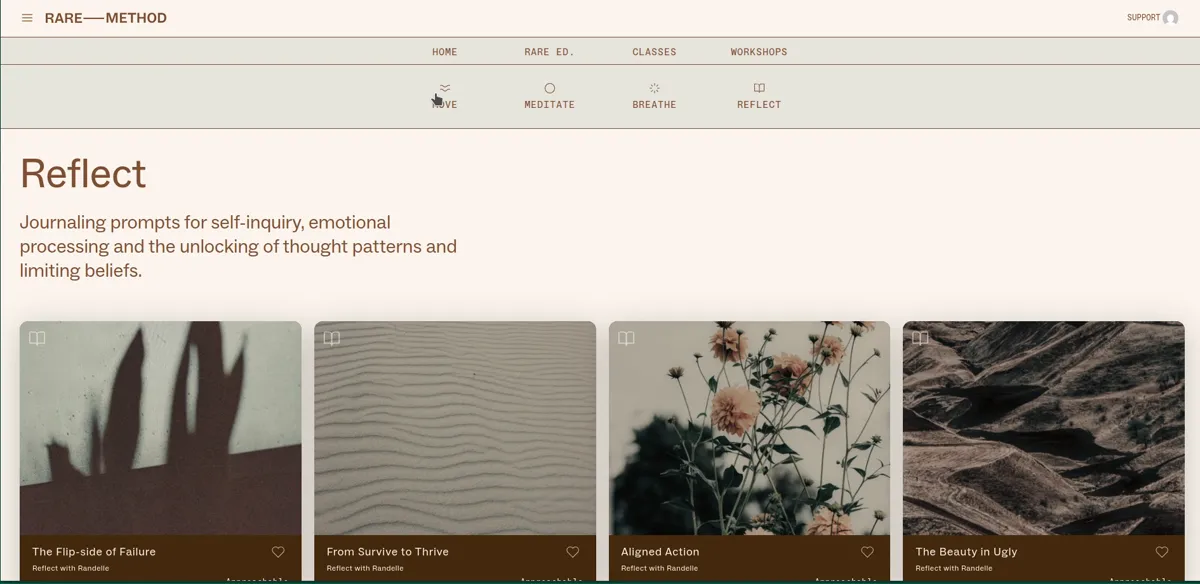
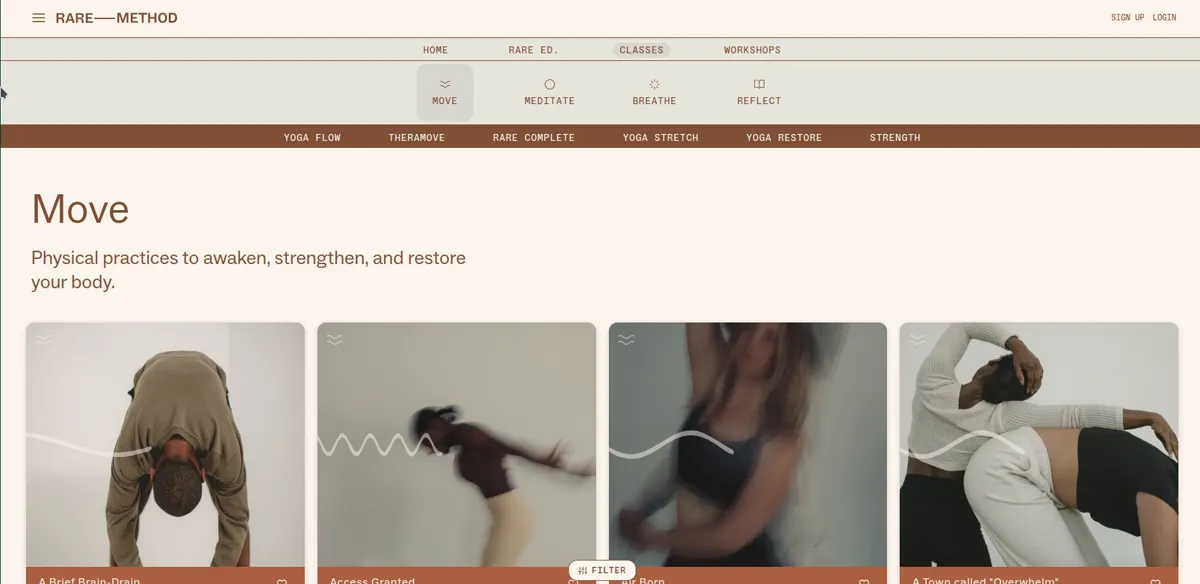
Same site, same design
Your visitors won't notice the rebuild. Your accountant will.
The new site looks like the old one. What changed is everything underneath: no plugin stack, no renewal bills, and pages that load the moment you click.
What you get
A faster site that costs less to run and less to change
Why hire a developer for this?
A new theme or site builder just swaps one box for another
Moving to a different theme, page builder or hosted platform keeps you renting someone else's limits. A developer can pick the stack that fits your site: the framework, the database, how your team edits content, and how members pay.
And because it's built as a clean, structured codebase, it's ready for the way sites are maintained now. AI coding tools can work on it safely, so small changes are quick and cheap instead of a support ticket and an invoice.
I've been building for the web since 1996. I use Claude Code and Codex every day, and I review everything they write before it ships.
Your stack, chosen for your site
- Framework
- Nuxt, Next.js, SvelteKit, or plain TypeScript
- Database
- PostgreSQL, Supabase, or whatever fits your data
- Content editing
- Directus or another headless CMS
- Payments & members
- Stripe subscriptions, real user accounts
- Hosting
- A small VPS you control, not a pricey managed host
Do the math
What is your WordPress site costing you?
Put in your own numbers. Count every premium plugin, theme and page-builder licence, plus the time you or a developer spend on updates and fixes.
For comparison, the rebuilt site in the video runs on one $15/month server: about $180 a year.
Your site costs roughly
$3,080 / year
How it works
Four steps, no surprises
- 01
Look at what you have
Every plugin, every renewal bill, your hosting, and what each piece is actually doing for you.
- 02
Pick the stack
Framework, database and CMS chosen for your site, your content and the people who edit it.
- 03
Rebuild and move your content
Only the features you use get rebuilt. Content and data come across, and old URLs redirect to the new ones.
- 04
Launch and hand over
You get the code, the admin, and a site that doesn't need weekly babysitting.
This is for you if
- Membership, course or content sites built on a stack of plugins
- You pay for several premium plugins or a page builder every year
- The site is slow, and caching plugins only made it more complicated
- You keep a developer on retainer mostly to run updates
It's probably not for you if
- A few-page brochure site that's fast and costs you almost nothing. Keep it.
- You want to install new plugins yourself every week
- You need it live by Friday
Questions people ask
Next step
Send me your WordPress site
Tell me the address and what's bugging you about it. I'll look at what it's running, and tell you plainly whether a rebuild would pay for itself, and what I'd replace it with.
I take on a limited number of projects at a time, so I'll also tell you when I could start.
sig@sigkappel.com